01Raw
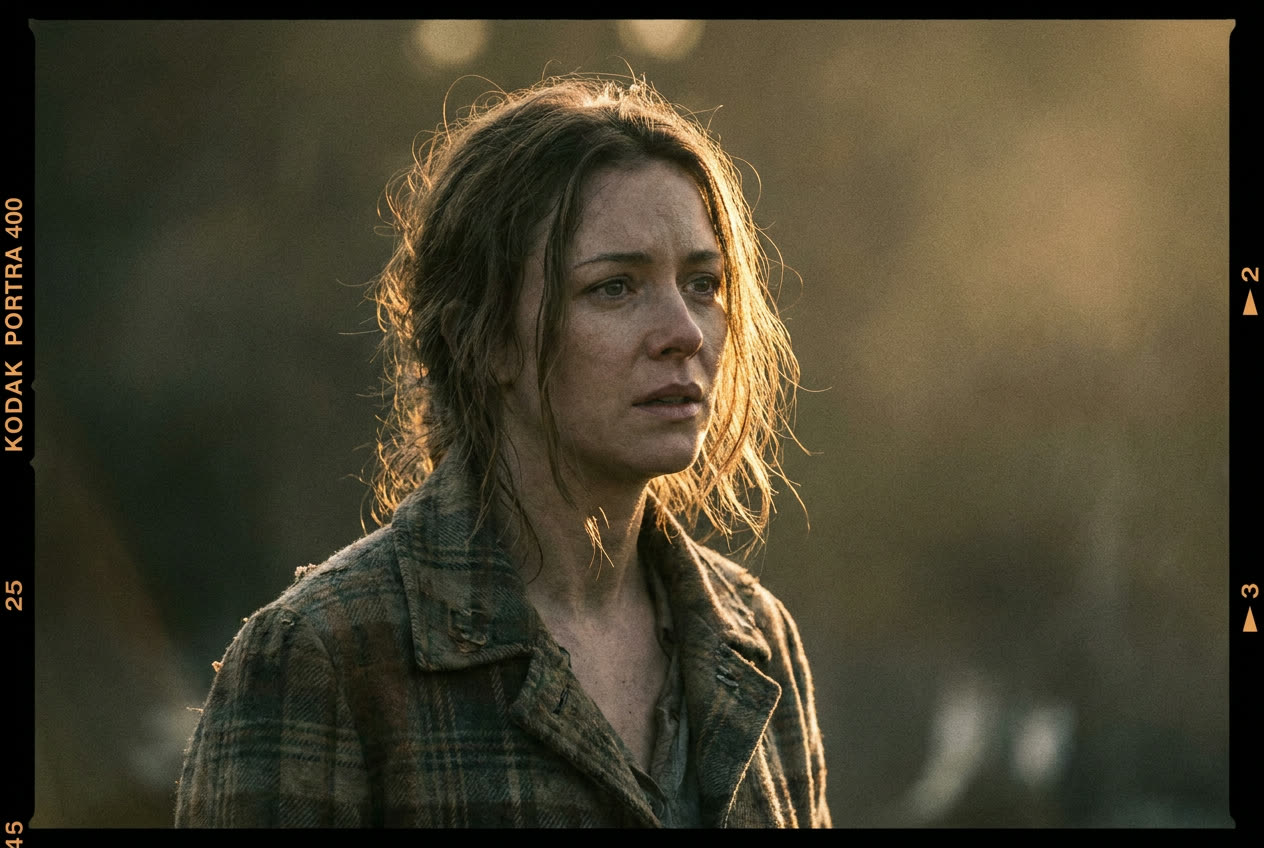
Maximum prompt fidelity and the least added styling.
A focused Krea 2 workbench for expressive art direction. Write a prompt, tune how far the model can wander, and use visual references to shape the result.
Krea 2 live workbench
Medium · Large · Style references · 1K
/ 01 One prompt, four temperaments
Raw stays close to your direction. High gives the model room to reshape composition, light, texture, and visual rhythm.
Maximum prompt fidelity and the least added styling.
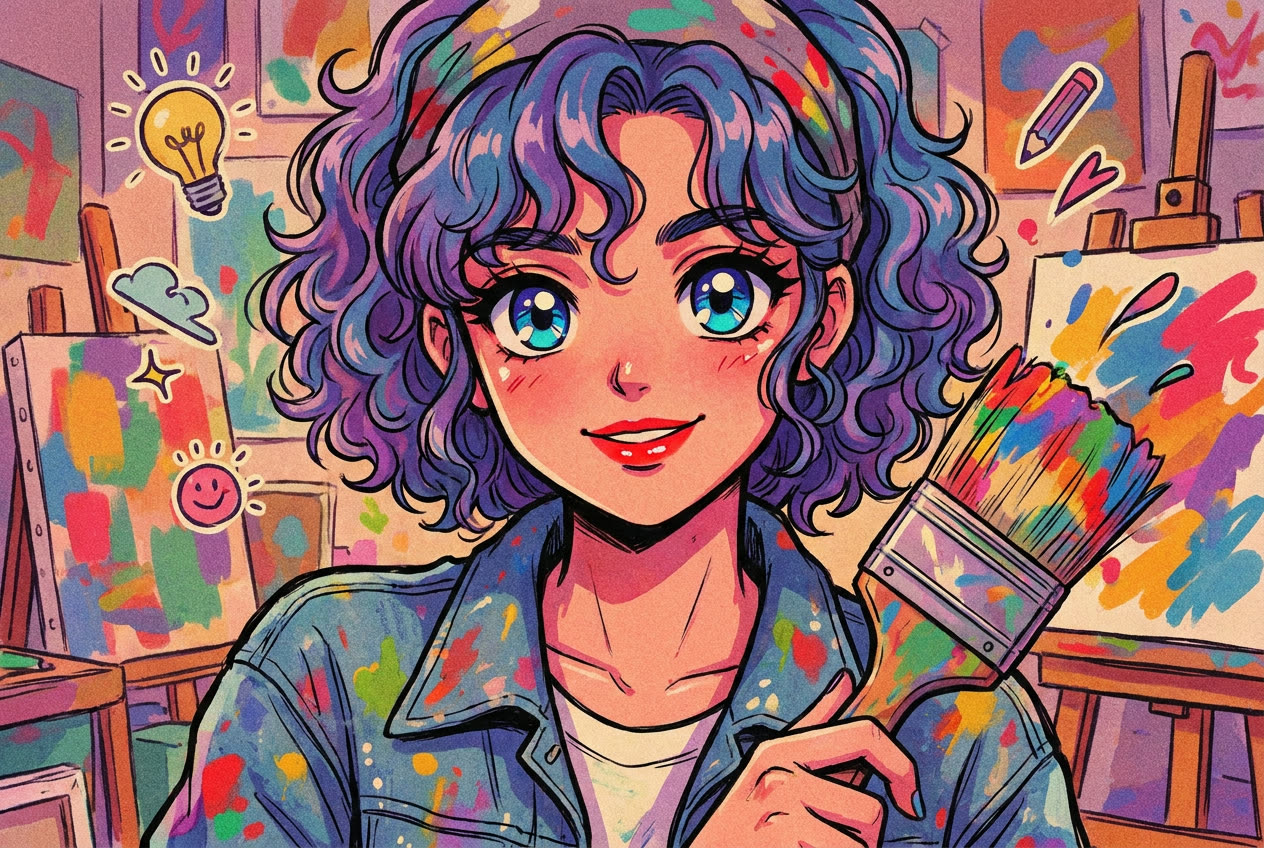
Controlled interpretation with subtle art direction.

A balanced default for exploration and useful surprise.
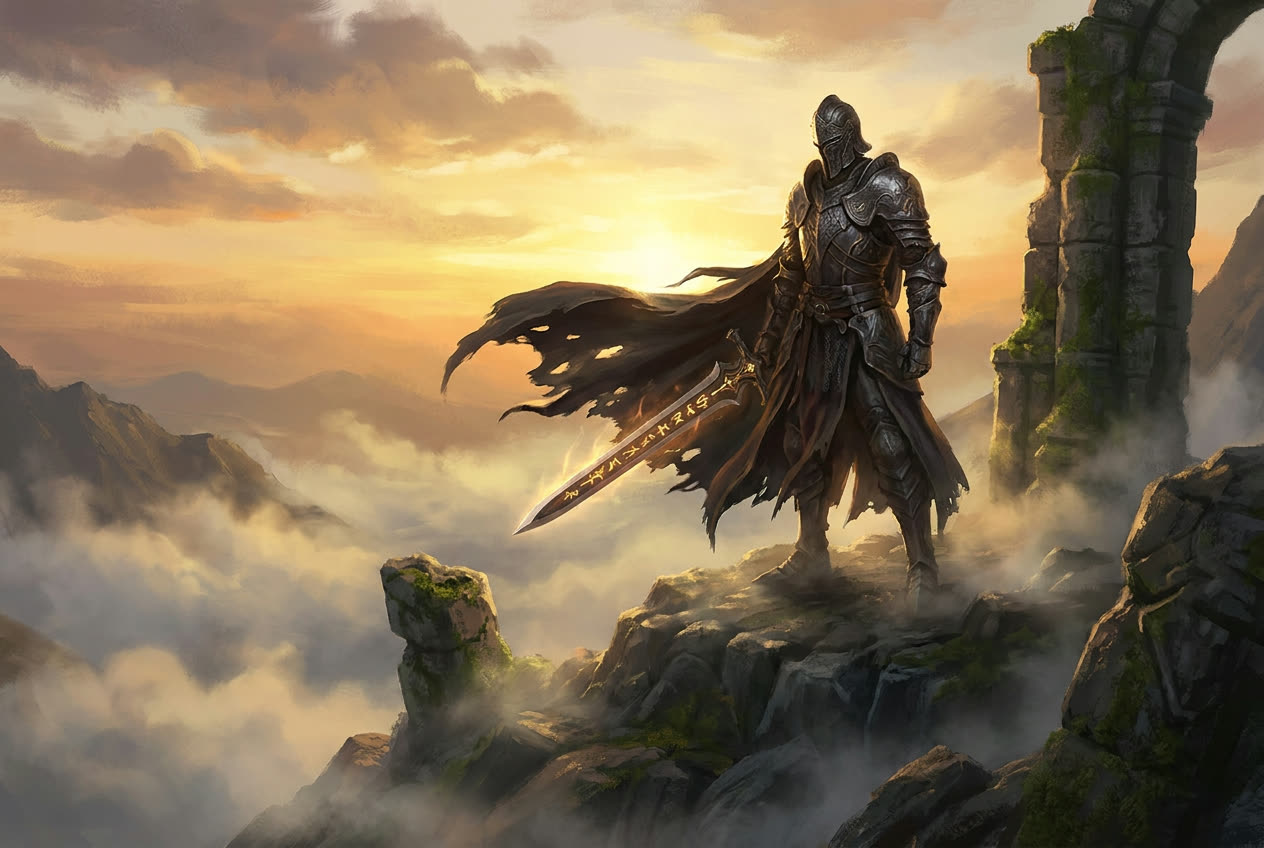
Bolder aesthetic decisions and more expressive drift.
/ 02 Aesthetic range
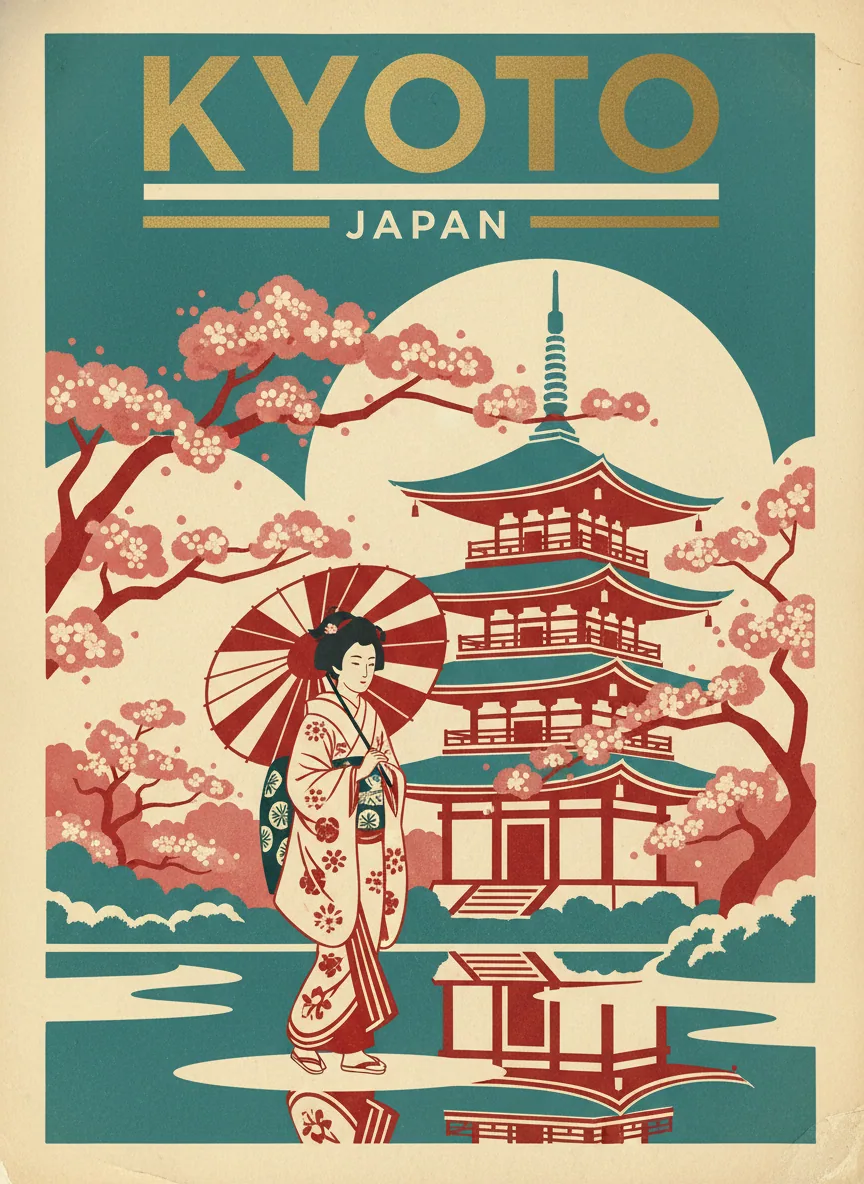
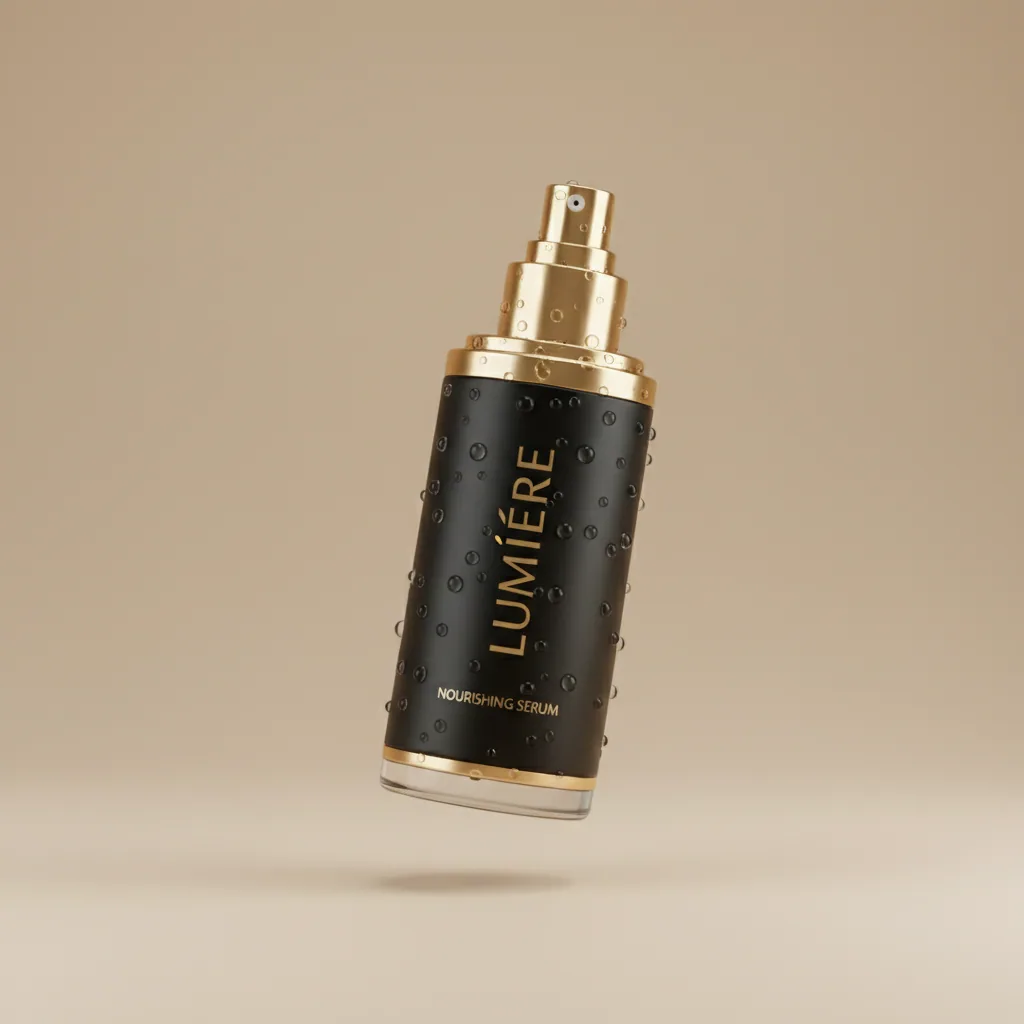
Use these local examples as a starting point for photographic, illustrative, commercial, and experimental briefs.
Natural texture, directional light, and restrained grain.
Graphic linework with energetic color and character.
Product-led scenes with polished art direction.
Atmospheric worlds built for rapid exploration.
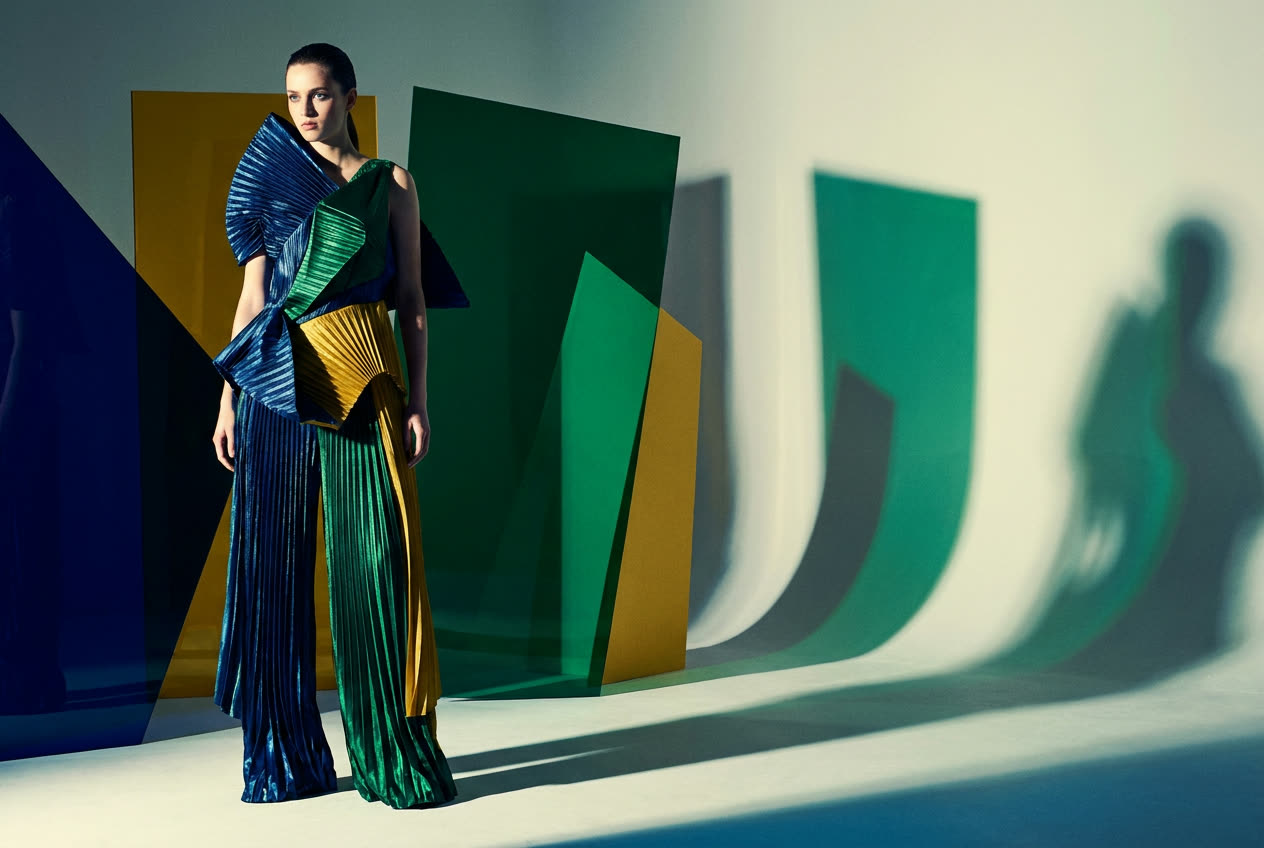
Expressive styling with purposeful composition.
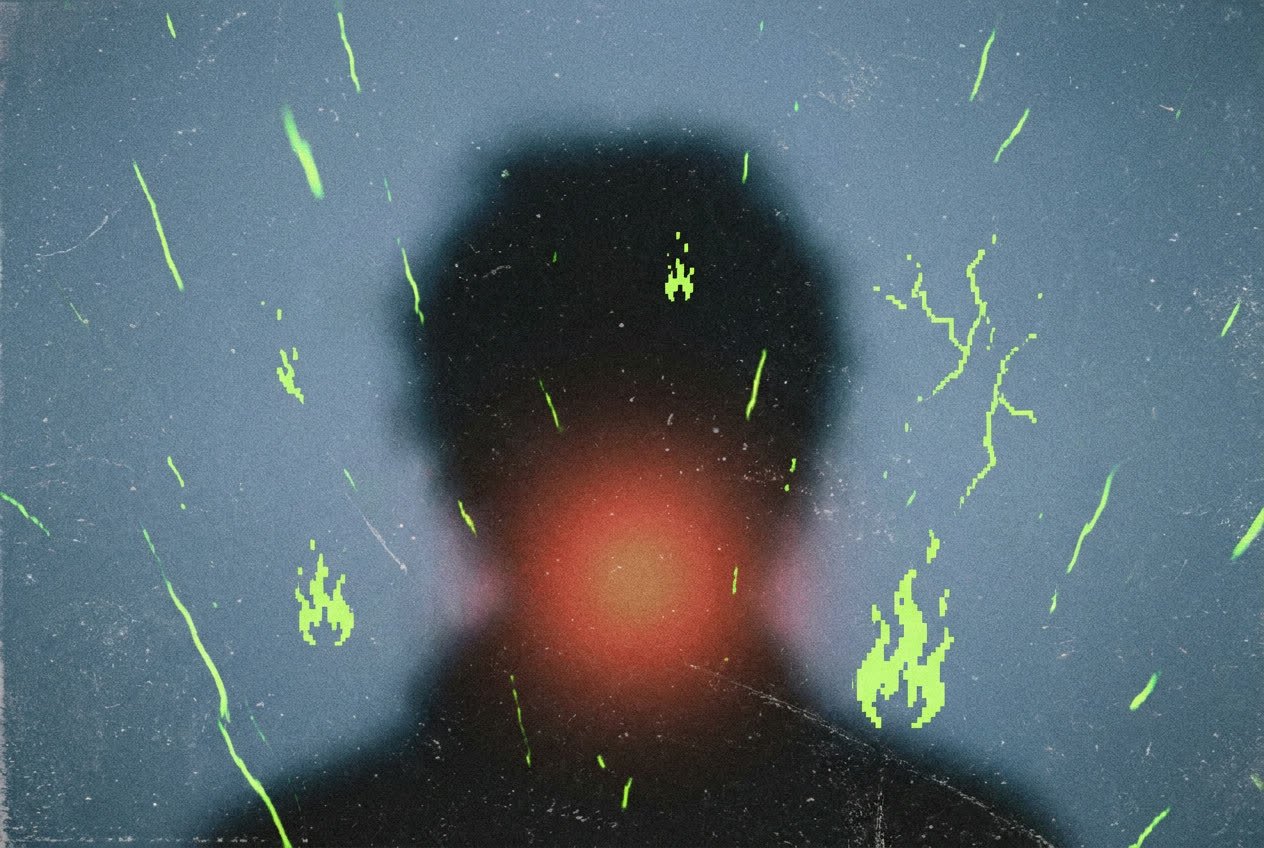
Unexpected texture, abstraction, and visual tension.
/ 03 Reference-ready styles
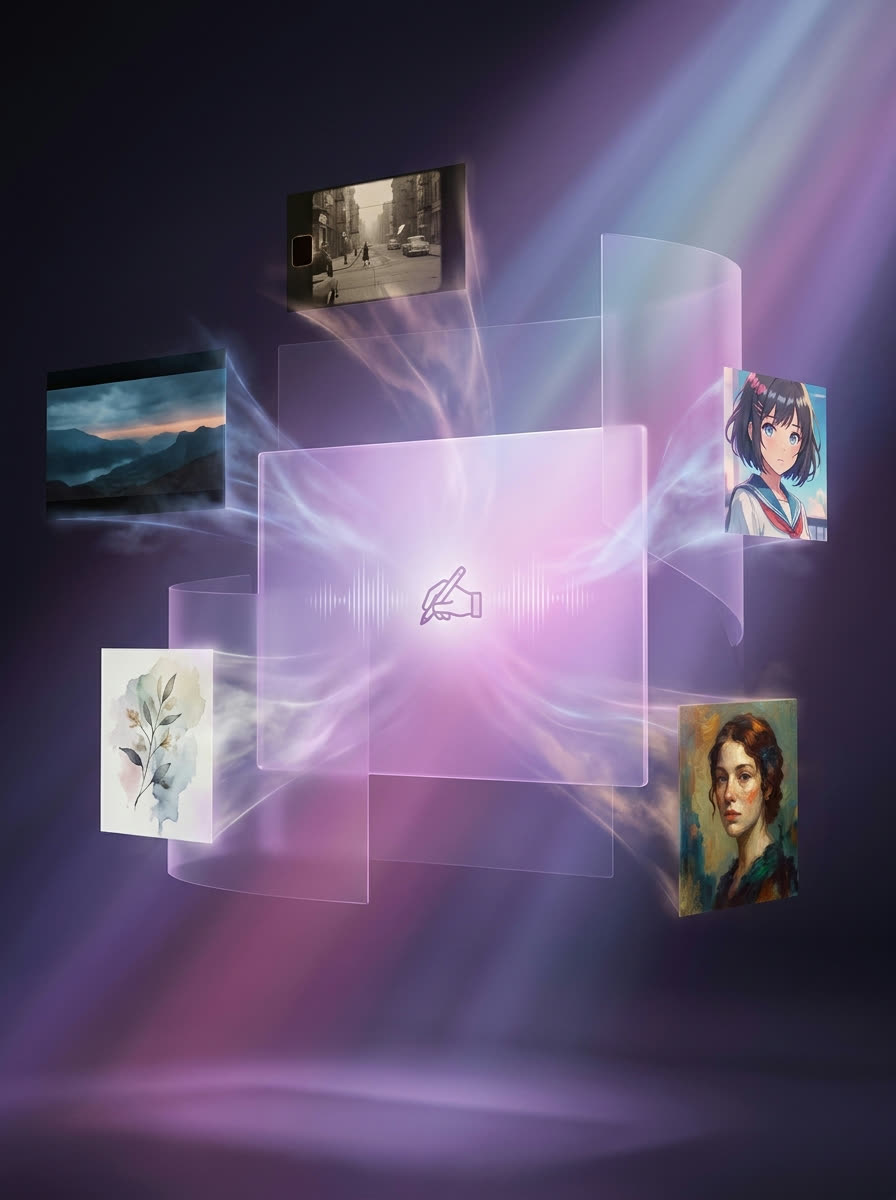
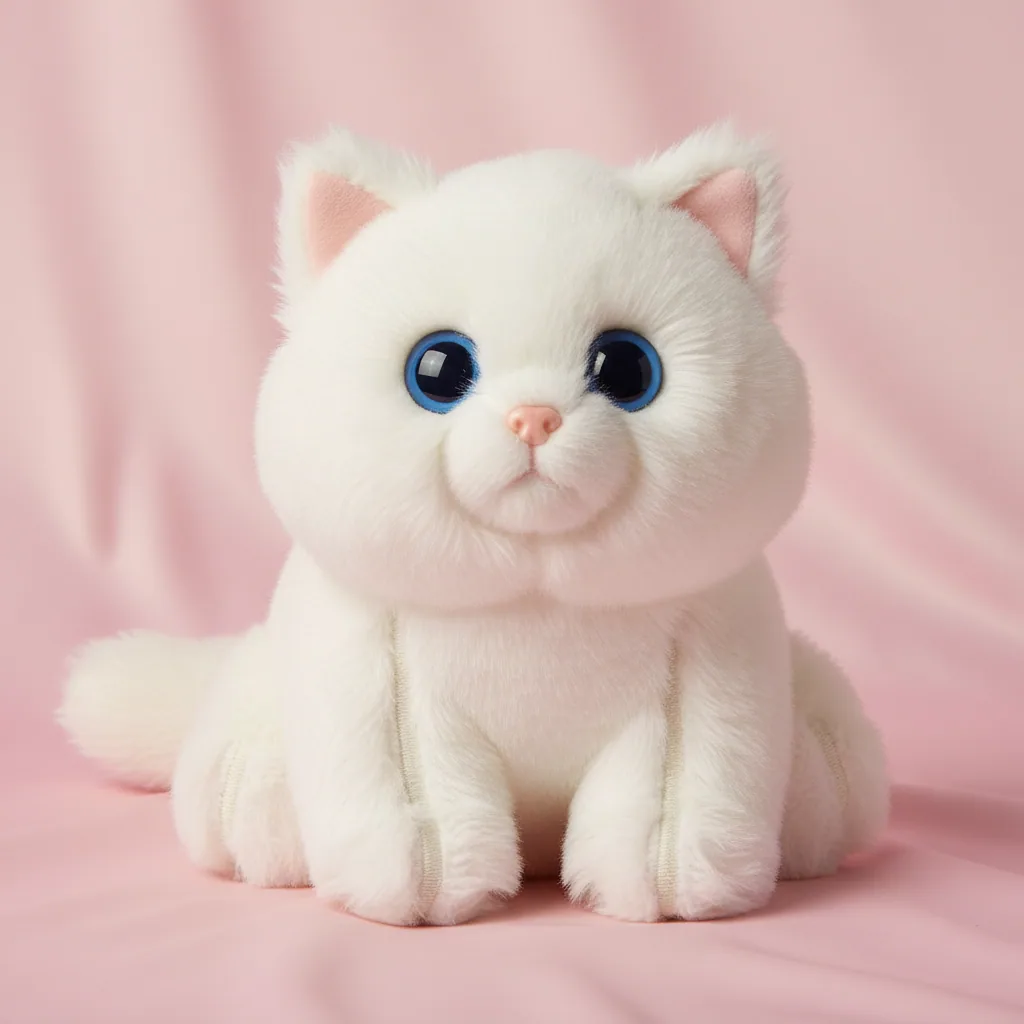
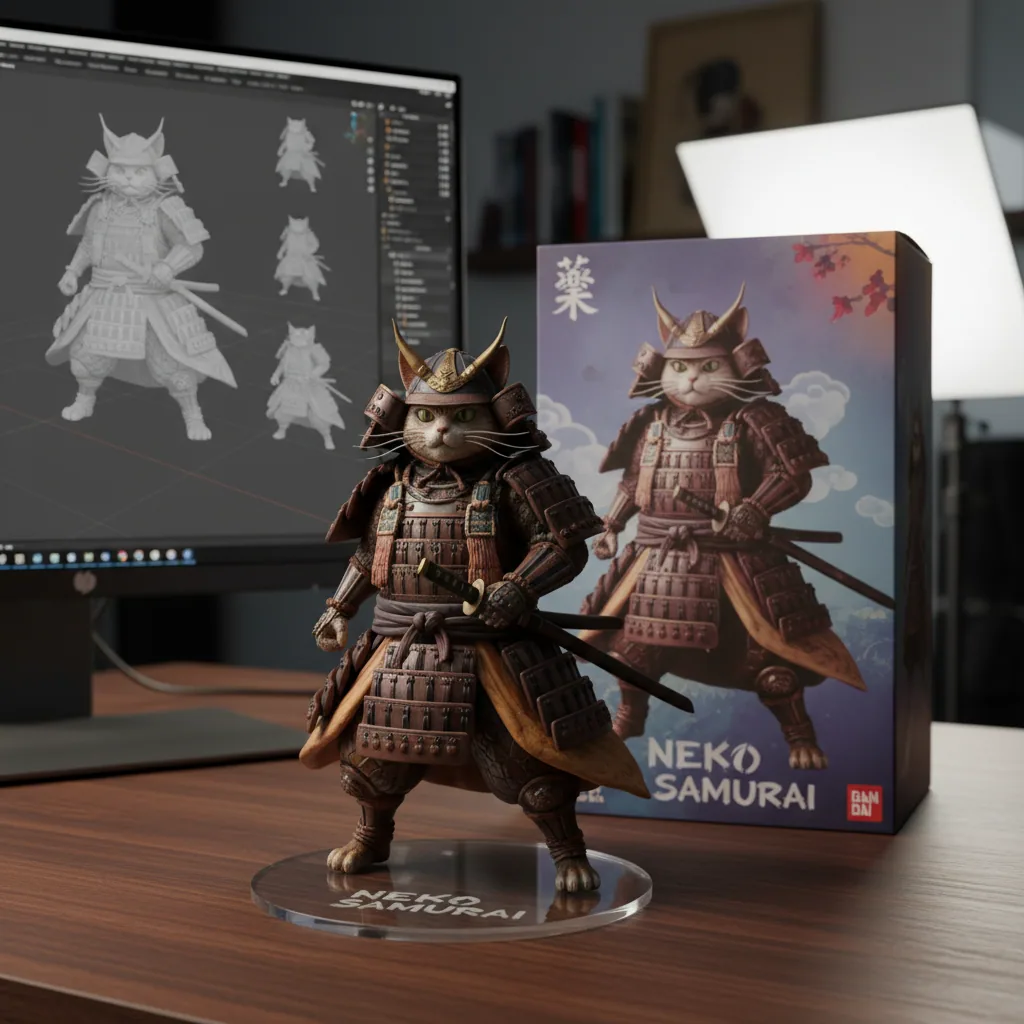
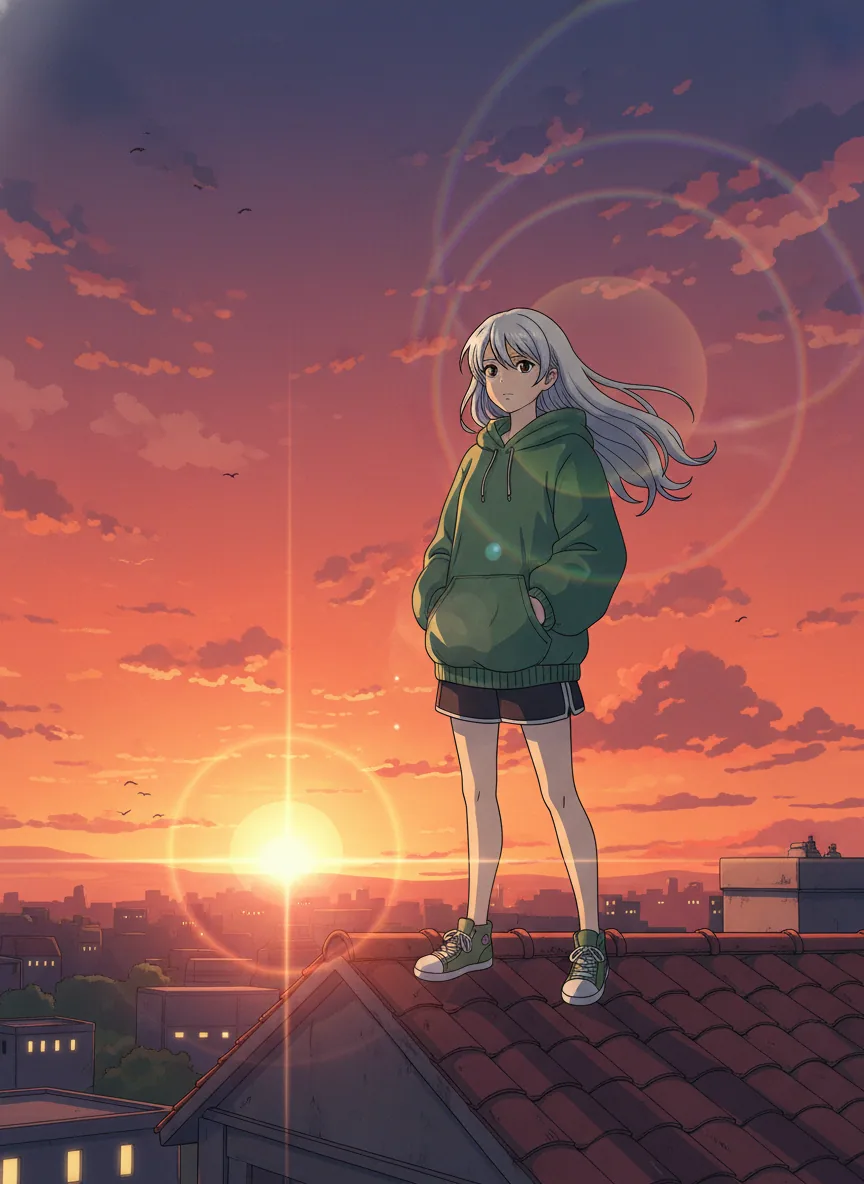
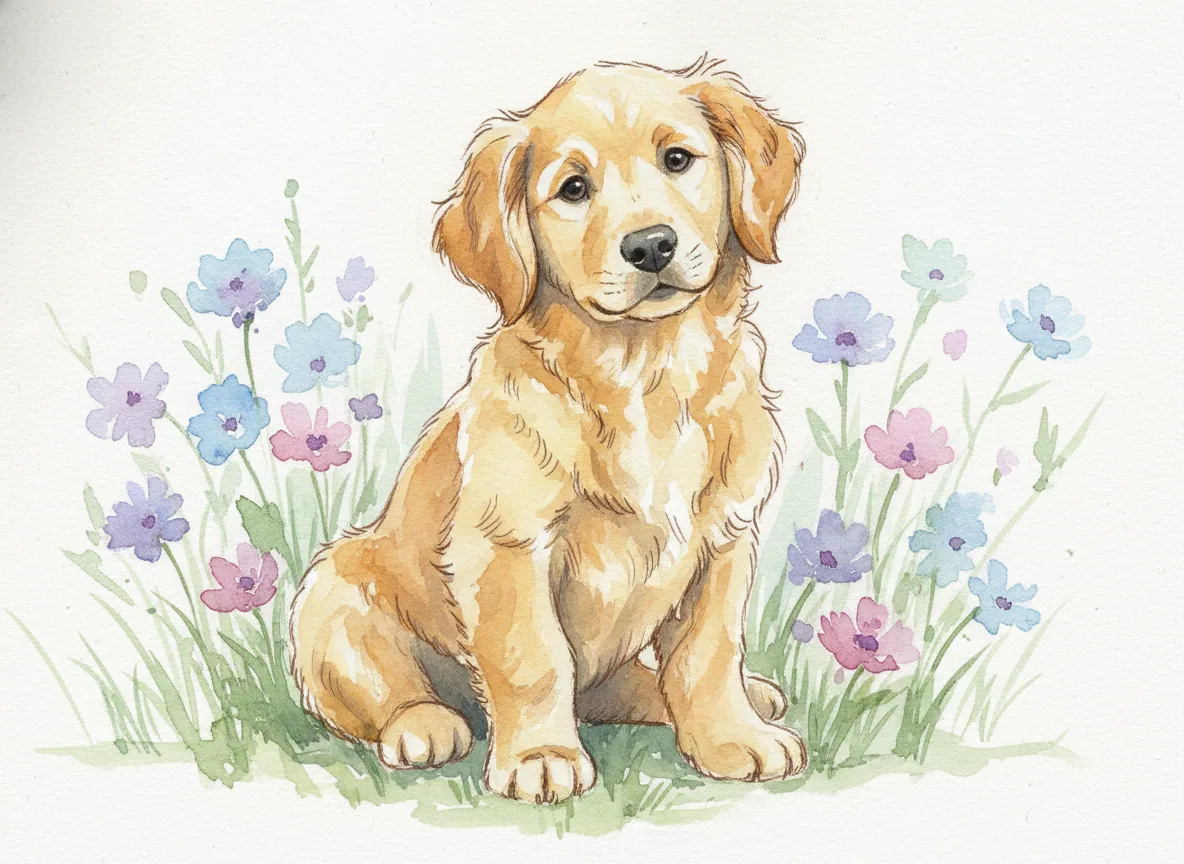
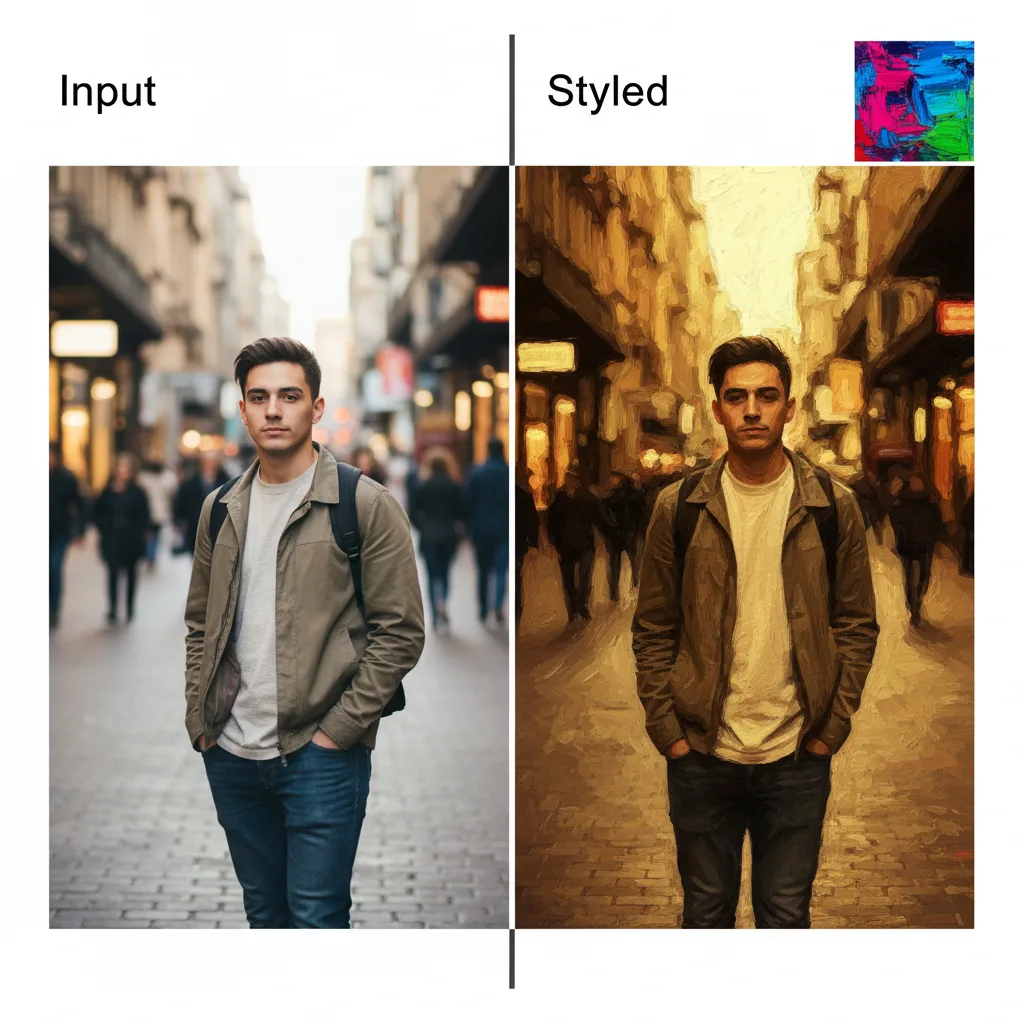
Reference images guide palette, material, texture, and mood. They are creative direction, not a promise of identity-preserving edits.
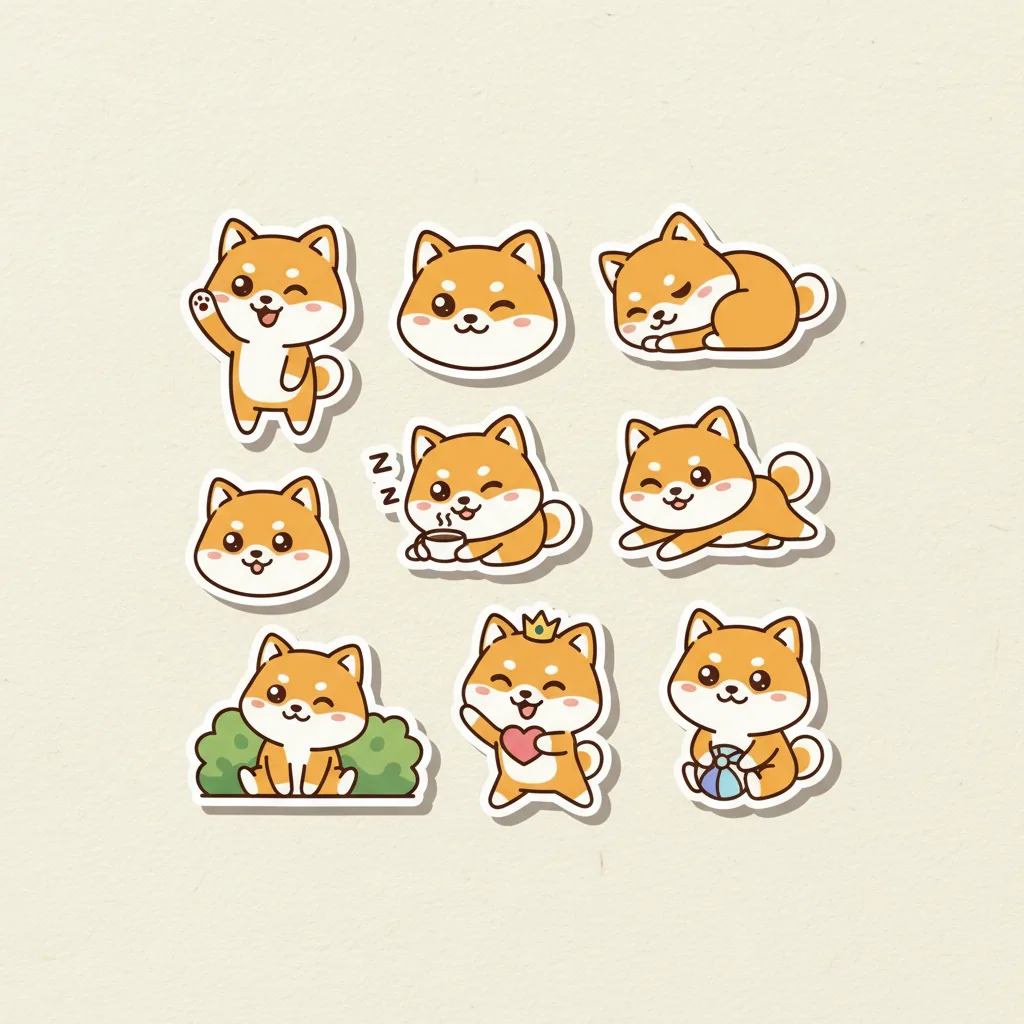
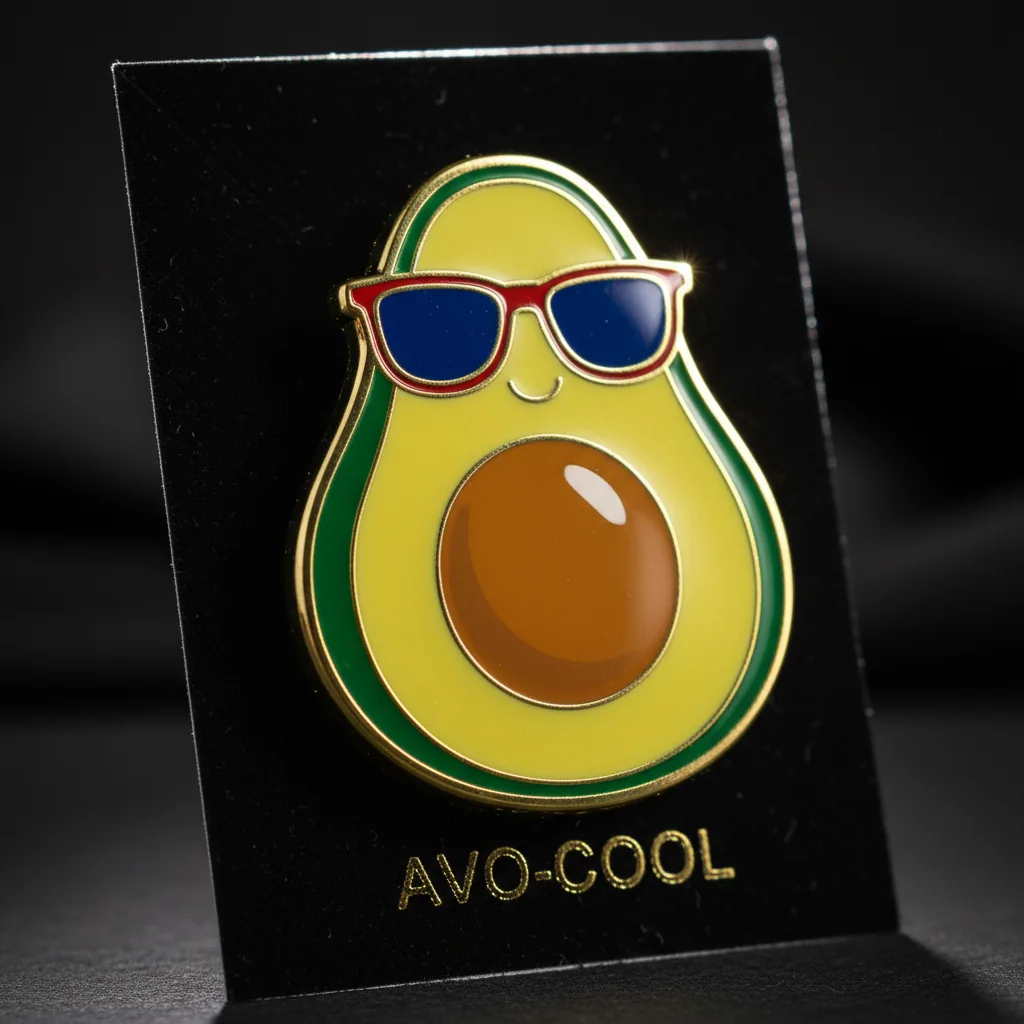
/ 04 A workbench, not a prompt box
The first release keeps the controls that materially change a Krea 2 result visible and understandable.
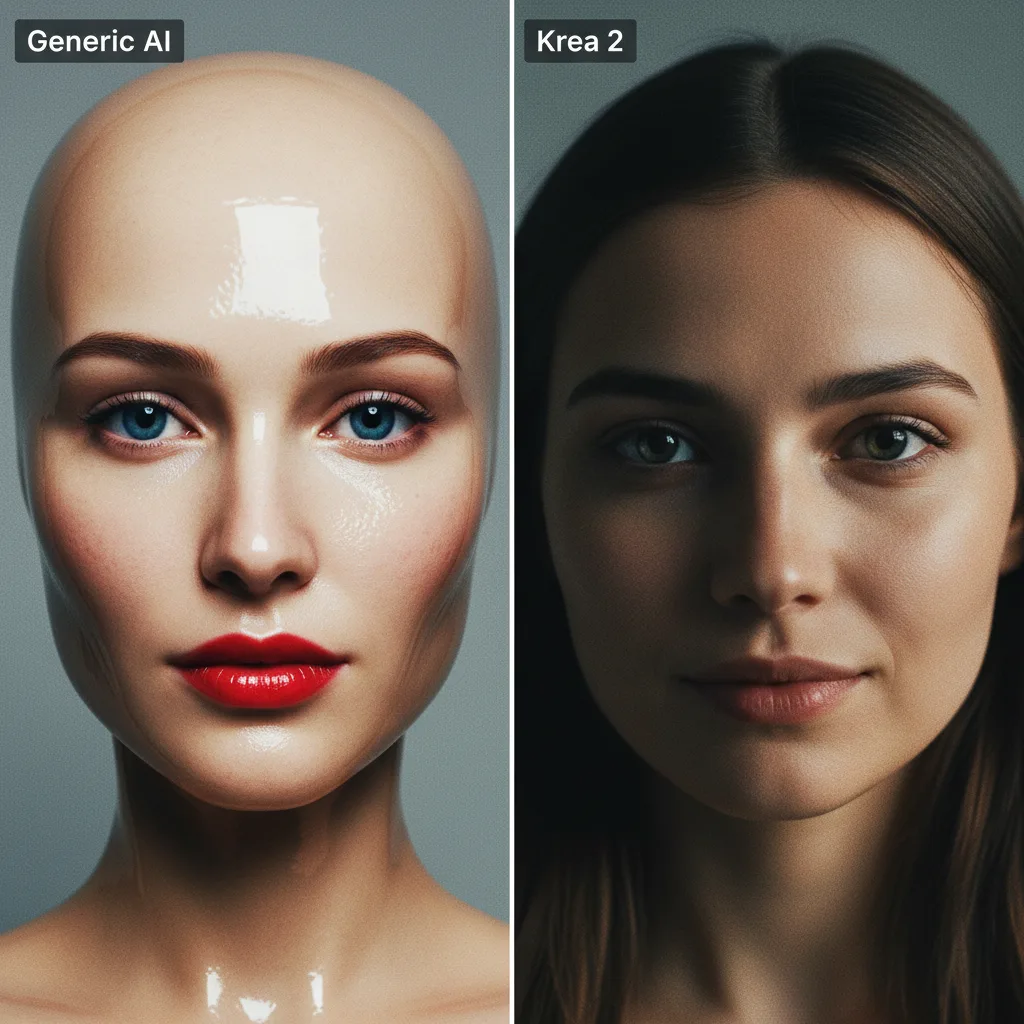
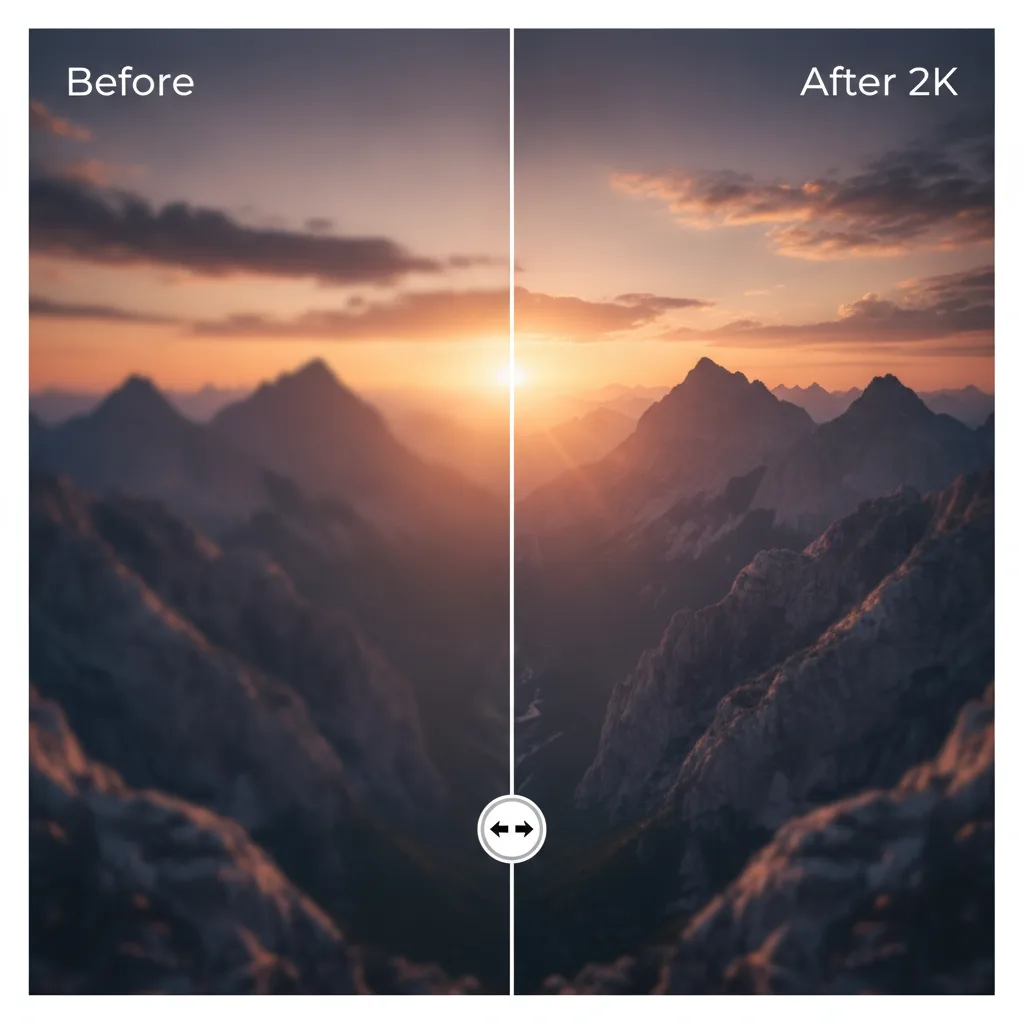
Use Medium for fast exploration and Large when fidelity and finish matter more.
Attach visual references to guide palette, texture, composition, and photographic language.
Generations run asynchronously, survive refreshes, and remain available in your private creation history.
/ 05 Krea 2 basics
Krea 2 is Krea AI’s image foundation model focused on aesthetic diversity, expressive composition, and controllable visual style.
Medium is the faster, lower-cost exploration model. Large is intended for higher-fidelity results and detailed art direction.
They control how loosely the model interprets your prompt. Raw stays closest to the text; High makes more assertive aesthetic decisions.
They are used as style guidance. Results can inherit palette, texture, mood, or composition without acting as a conventional image editor.